xrspatial.zonal.crop#
- xrspatial.zonal.crop(zones, values: DataArray, zone_ids: list | tuple | None = None, name: str = 'crop', column: str | None = None, rasterize_kw: dict | None = None, zones_ids: list | tuple | None = None)[source]#
Crop scans from edges and eliminates rows / cols until one of the input values is found.
- Parameters:
zones (xr.DataArray, GeoDataFrame, or list of (geometry, value) pairs) – Zone definitions. Can be a 2D DataArray, a GeoDataFrame (requires column), or a list of
(geometry, zone_id)pairs.values (xr.DataArray) – Input values raster.
zone_ids (list or tuple) – List of zone ids to crop raster. Matches the
zone_idsparameter ofstats()andcrosstab().name (str, default='crop') – Output xr.DataArray.name property.
column (str, optional) – Column name in the GeoDataFrame that contains zone IDs. Required when zones is a GeoDataFrame.
rasterize_kw (dict, optional) – Extra keyword arguments forwarded to
rasterize()when zones is vector input.zones_ids (list or tuple, optional) – Deprecated alias for
zone_ids. Will emit aDeprecationWarningand be removed in a future release.
- Returns:
crop_agg
- Return type:
xarray.DataArray
Notes
This operation will change the output size of the raster.
zonesandvaluesmust have the same shape and backend; otherwise aValueErroris raised (consistent withstats()andcrosstab()).If none of the requested
zone_idsare present inzones, the returned DataArray has shape(0, 0). This behaviour is the same across all backends (numpy, cupy, dask+numpy, dask+cupy).
Examples
import matplotlib.pyplot as plt
import numpy as np
import xarray as xr

from xrspatial import generate_terrain
from xrspatial.zonal import crop

# Generate Example Terrain
W = 500
H = 300

template_terrain = xr.DataArray(np.zeros((H, W)))
x_range=(-20e6, 20e6)
y_range=(-20e6, 20e6)

terrain_agg = generate_terrain(
    template_terrain, x_range=x_range, y_range=y_range
)

# Edit Attributes
terrain_agg = terrain_agg.assign_attrs(
    {
        'Description': 'Example Terrain',
        'units': 'km',
        'Max Elevation': '4000',
    }
)

terrain_agg = terrain_agg.rename({'x': 'lon', 'y': 'lat'})
terrain_agg = terrain_agg.rename('Elevation')

# Create a simple zone raster (0 = below median, 1 = above)
zones_agg = (terrain_agg > terrain_agg.median()).astype(int)
zones_agg.attrs = terrain_agg.attrs
zones_agg = zones_agg.rename('Zone')

# Crop to keep only the above-median zone
values_agg = terrain_agg[0:300, 0:250]
zones_sub = zones_agg[0:300, 0:250]
cropped_agg = crop(
    zones=zones_sub,
    values=values_agg,
    zone_ids=[1],
)

# Edit Attributes
cropped_agg = cropped_agg.assign_attrs({'Description': 'Example Crop'})

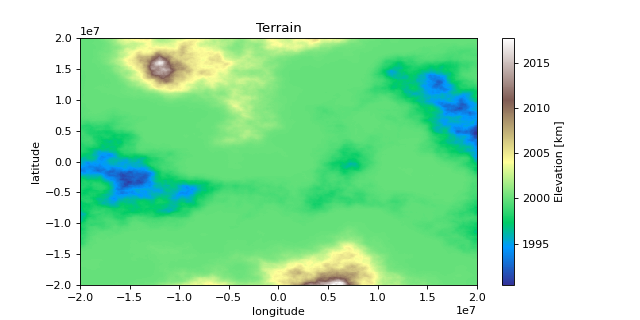
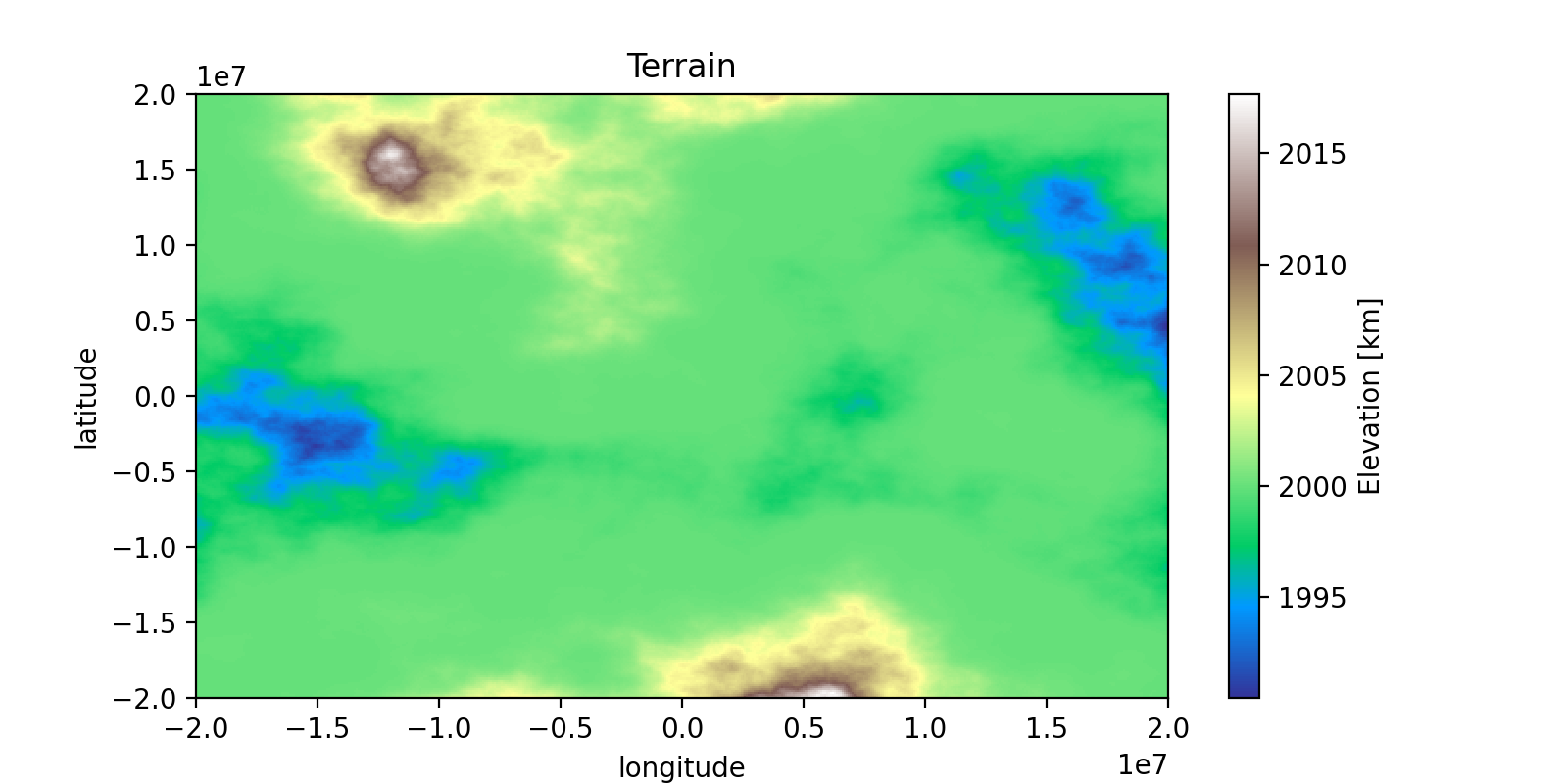
# Plot Terrain
terrain_agg.plot(cmap = 'terrain', aspect = 2, size = 4)
plt.title("Terrain")
plt.ylabel("latitude")
plt.xlabel("longitude")

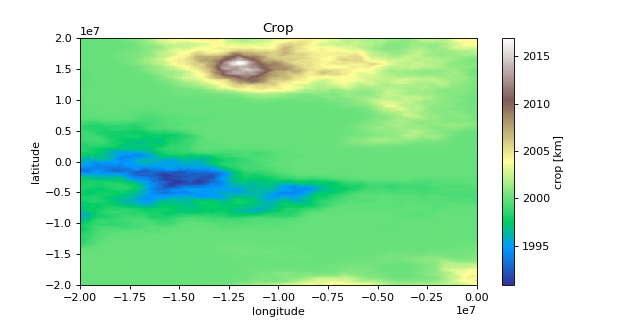
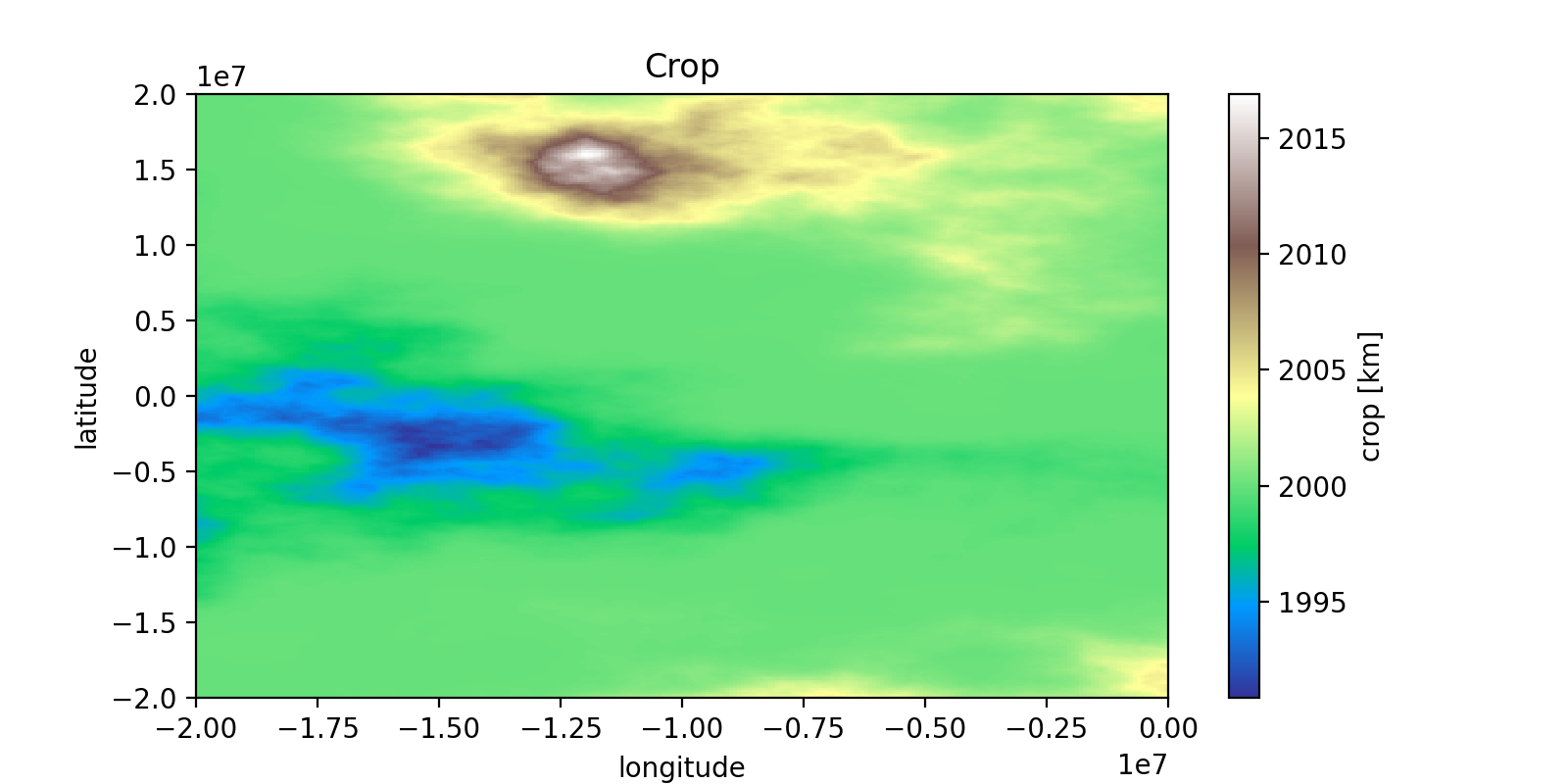
# Plot Cropped Terrain
cropped_agg.plot(cmap = 'terrain', aspect = 2, size = 4)
plt.title("Crop")
plt.ylabel("latitude")
plt.xlabel("longitude")
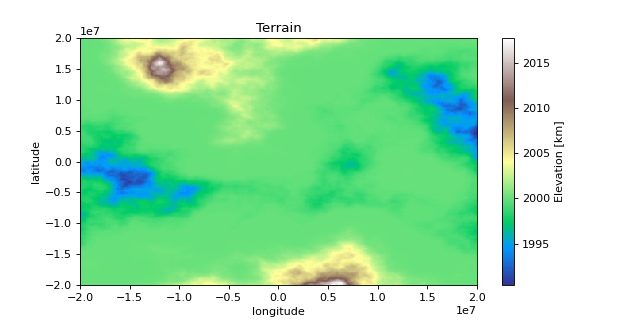
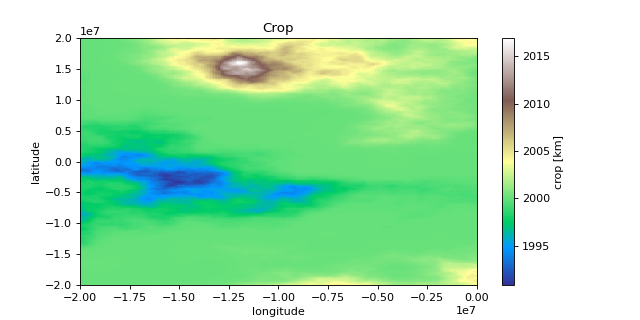
>>> print(terrain_agg.shape)
(300, 500)

>>> print(terrain_agg.attrs)
{
    'res': (80000.0, 133333.3333333333),
    'Description': 'Example Terrain',
    'units': 'km',
    'Max Elevation': '4000',
}

>>> print(cropped_agg.shape)
(300, 250)

>>> print(cropped_agg.attrs)
{
    'res': (80000.0, 133333.3333333333),
    'Description': 'Example Crop',
    'units': 'km',
    'Max Elevation': '4000',
}